AI as part of the work
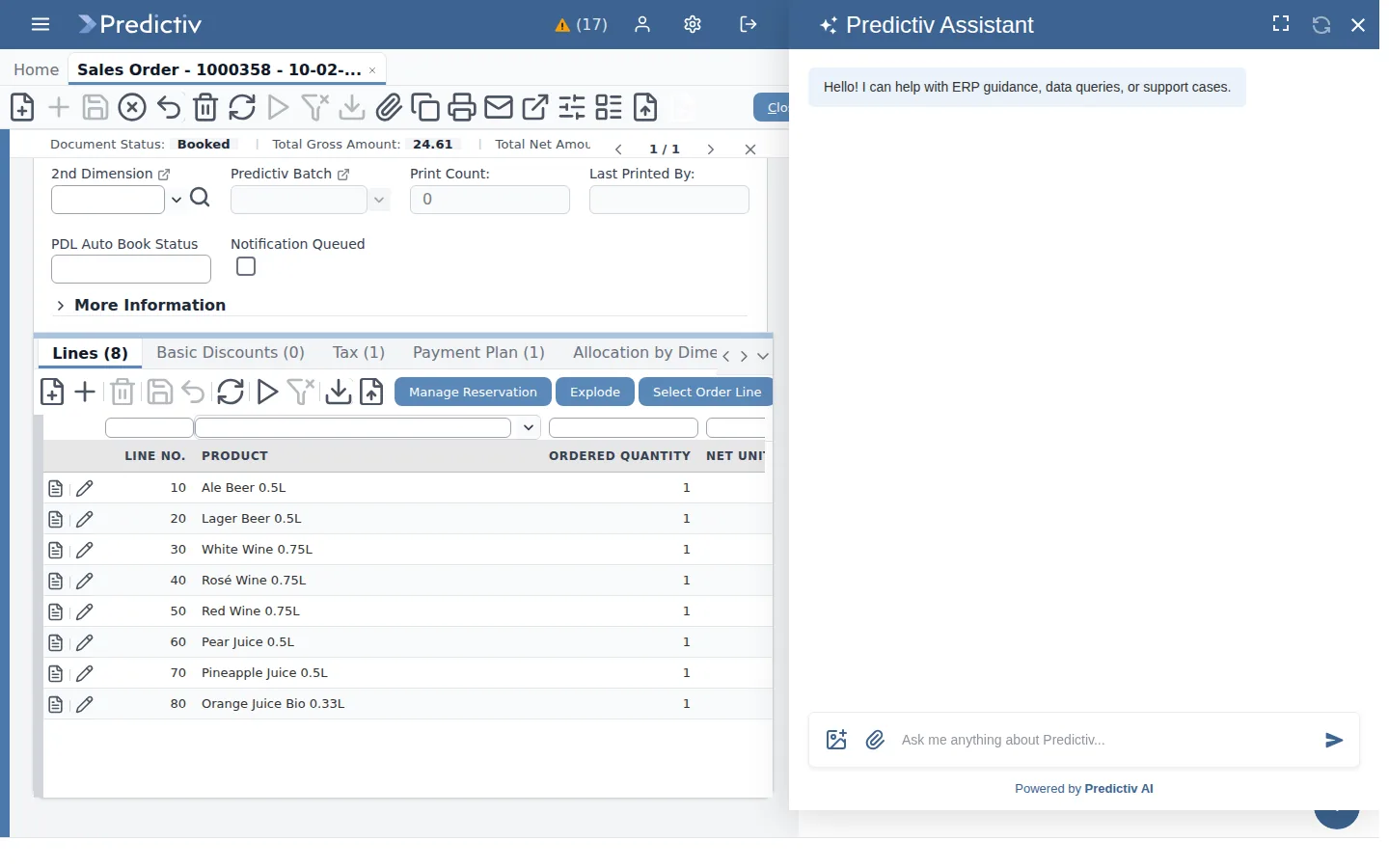
In Predictiv, AI is part of the jobs people already do. It is not a separate product with its own data. The Predictiv Assistant is available on every window, in Atrium and on the phone. It uses the same records, calls the same services and applies the same roles as the ERP screens. When you change a business rule, the AI applies the changed rule, because there is no second copy of it.
Predictiv applies the person’s access rules to every answer. The assistant can only retrieve what the person could open on screen. Every question, answer and action is logged against the person who asked.
Ask
Ask a question of the business in plain language. Which customers are over their credit limit? What did the northern depot sell last week against the same week last year? Which supplier invoices are waiting for approval?
Questions are read-only. The assistant searches across the business data the person is authorised to see and answers with citations, so you can open the records behind any figure.
Extract
Businesses receive invoices, purchase orders, tax clearance certificates and bank letters. Predictiv identifies what each document is, extracts the parties, dates, lines and amounts, and compares them with the records you already hold. Suppliers’ compliance documents uploaded on the partner portal are processed by AI when they are uploaded, and a person reviews the result before Predictiv creates the vetting record on approval.
Create
Drop a document on a window or into chat, and Predictiv drafts the record it describes, such as a supplier invoice or a sales order from a customer’s purchase order. Conversation works the same way. Ask the assistant to raise a record, and it prepares a draft for you to check. Predictiv posts nothing until a person confirms, and Predictiv keeps both the AI’s extraction and any human correction. See documents.
Verify
Before a supplier payment is released, Predictiv extracts the contents of the payment pack and checks them. The checks cover:
- completeness of the documents
- the three-way match of order, receipt and invoice
- the supplier’s fiscal invoice against the tax authority’s system
- tax compliance and bank-detail consistency
- duplicates and approvals
The result is a recommendation to release, hold or review, with its reasons. This is accounts-payable control. The payment itself is made through your normal banking process. See finance.
Approve
Predictiv sends approvals to people where they are. Approve and reject actions are derived from workflow, so the assistant offers only the actions that are valid for the document’s status and the person’s role. Approvers can act in chat, on the phone or in Atrium. Predictiv applies thresholds and the rule against self-approval on every channel, and records each decision as a workflow step.
Connect
Predictiv is open to the AI tools your people already use. Through the open Model Context Protocol (MCP), a person can ask live Predictiv data from their own AI assistant. The assistant signs in as that person and retrieves only what their role allows. Every request is audited against their name. Predictiv also works with more than one model provider, so the model behind the assistant is a configuration choice. See integration.
What makes it different
Many ERP vendors add AI as a separate layer: a chatbot beside the system, with a separate index of the data and a separate view of who may see what. Predictiv takes the other route. The AI uses the ERP’s own services, roles and audit trail. It drafts where a person should decide, and it performs an action only where the person could perform it themselves. That keeps AI inside the controls your auditors already understand. See security.
Where you use it
You use the assistant on every ERP window, in Atrium for customers, suppliers and supervisors, and on the phone. Supervisors receive an AI daily operational update. Finance teams use it in supplier payment verification. Buyers and clerks use it whenever they upload a document.